Reporting Dashboard
This page provides a snapshot of key monetization metrics from the Teads Conversational AI Ads SDK.
Screenshot
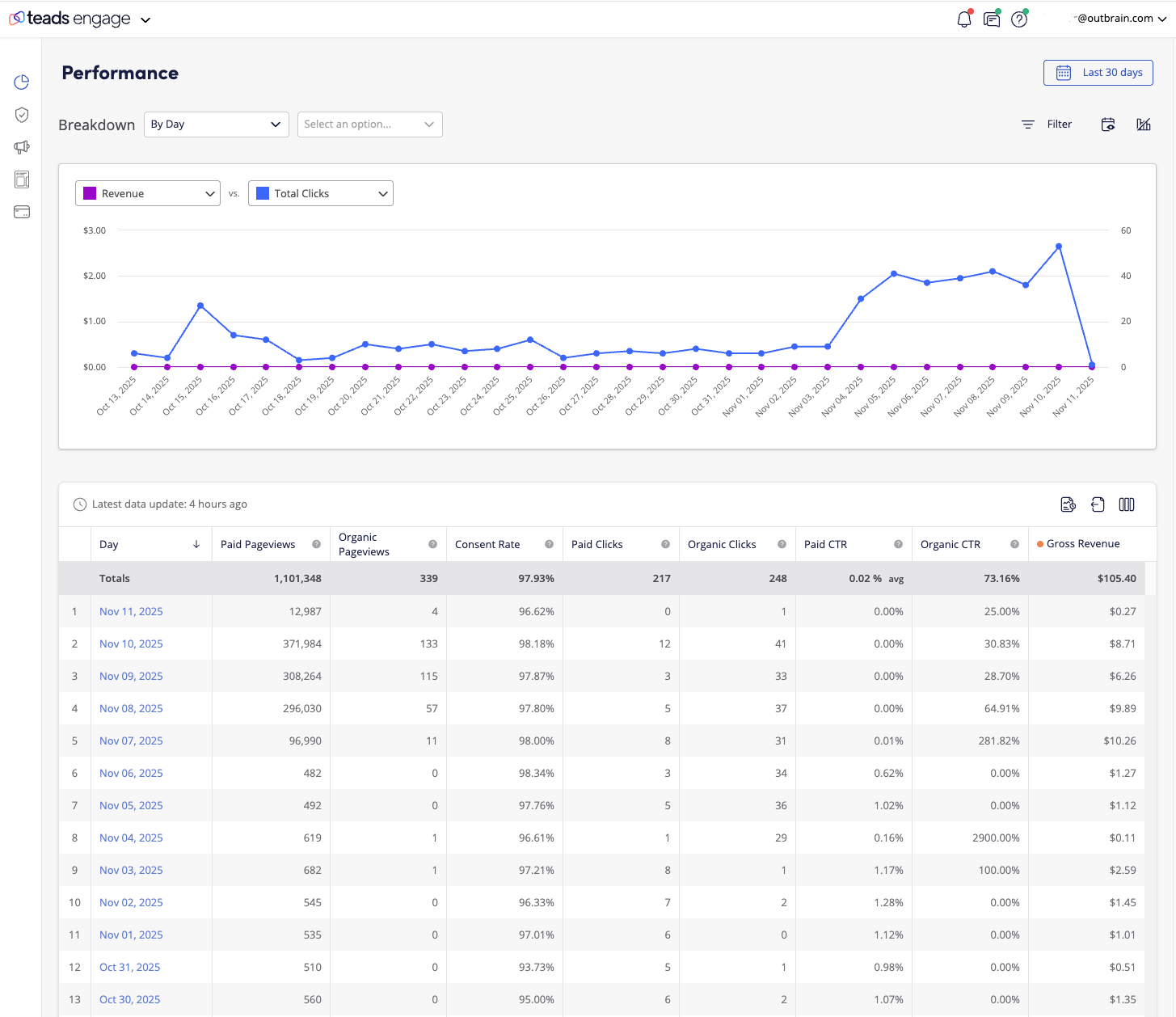
At-a-glance KPIs
- Revenue: Total estimated earnings for the selected period.
- Impressions: Count of eligible ad render events.
- Clicks: User clicks on ads or CTAs.
- CTR: Click-through rate (Clicks / Impressions).
Filters and breakdowns
- Date range: Today, Yesterday, Last 7/30 days, Custom.
- Dimensions: App, Placement, Format, Country/Region, Device, OS, SDK version.
- Traffic segments: Organic vs. paid
Editorial controls
- Review all ads displayed on your app
- Block ads, urls and advertisers
- Run your own campaigns
Export and sharing
- Export formats: CSV, XLSX, JSON.
- Scheduled reports: Daily/weekly email exports to your team.
- API access: Use the reporting endpoints to automate ingestion.
Data freshness and methodology
- Refresh cadence: Few hours for impressions/clicks; revenue may finalize on a delay.
- Time zone: EST
Troubleshooting
- No data showing:
- Verify SDK initialized and ad requests are firing.
- Check date range and filters.
- Confirm placement IDs and environment (prod vs. staging).
- Unexpected drops:
- Review recent app releases, SDK updates, or consent changes.
- Check demand status and fill rate trends.
- Mismatched numbers vs. internal analytics:
- Align time zones, attribution windows, and filtering logic.
- Compare identical dimensions and date ranges.
For questions or help, contact your Teads account team or use the beta support channel.